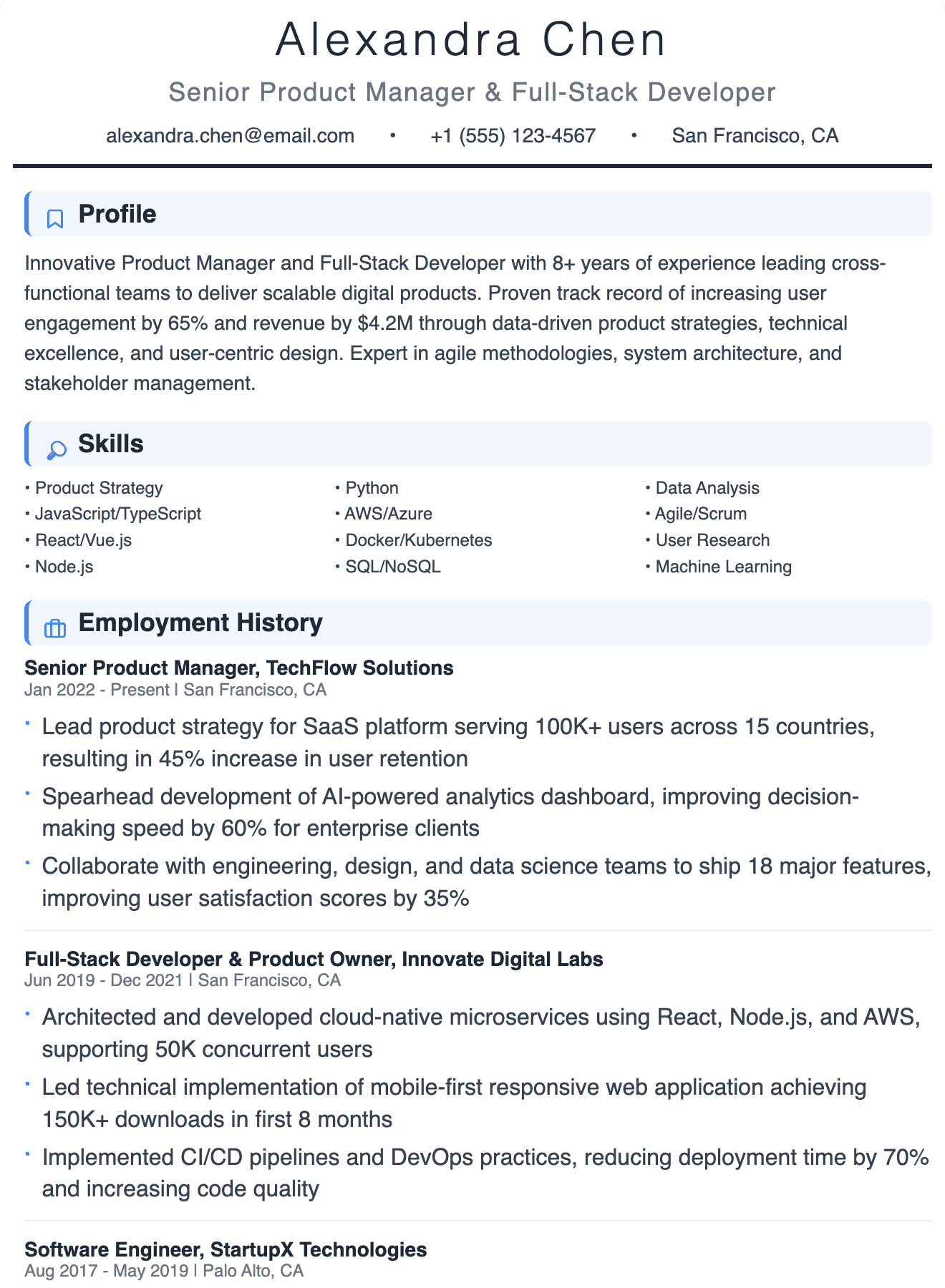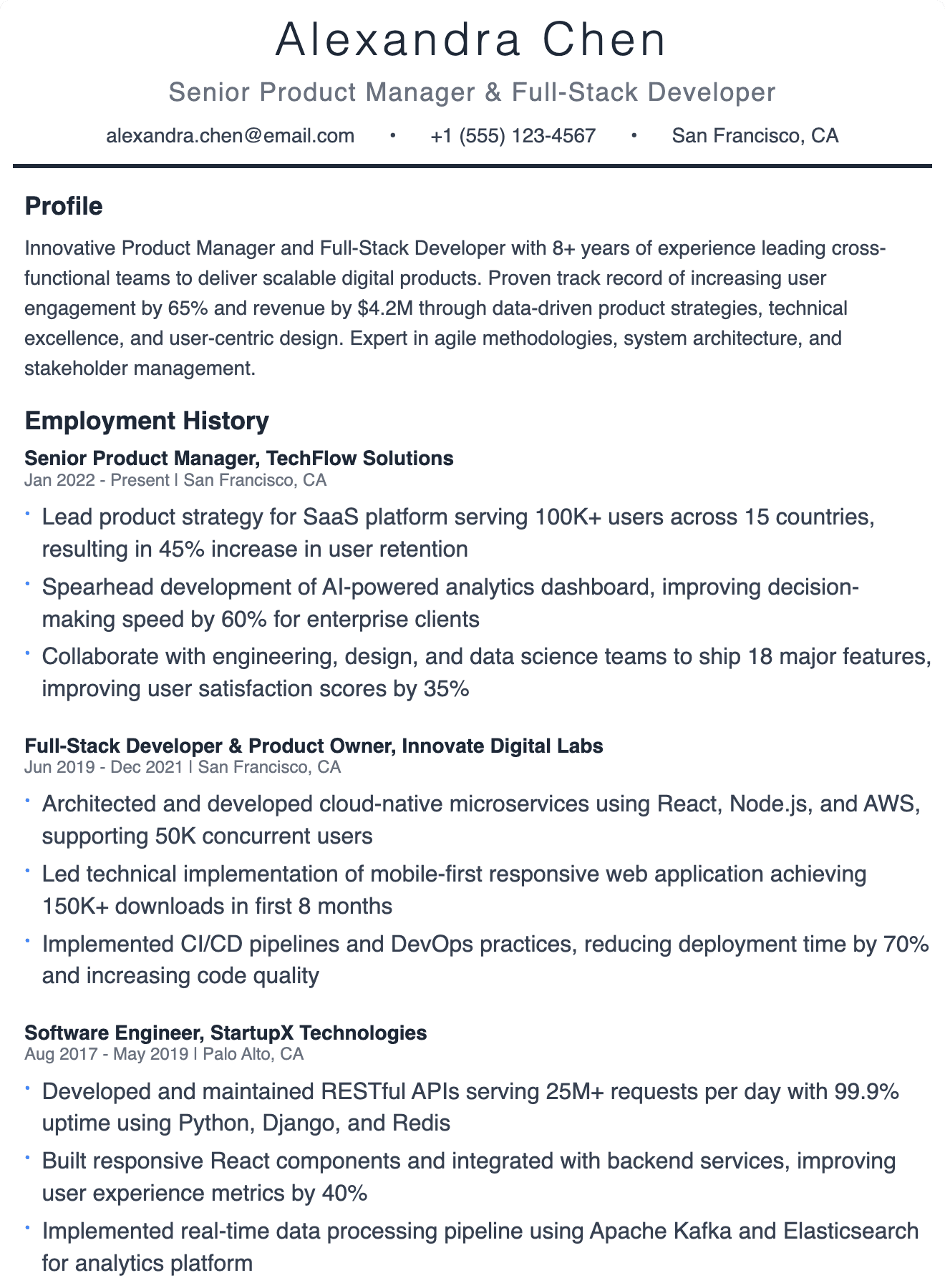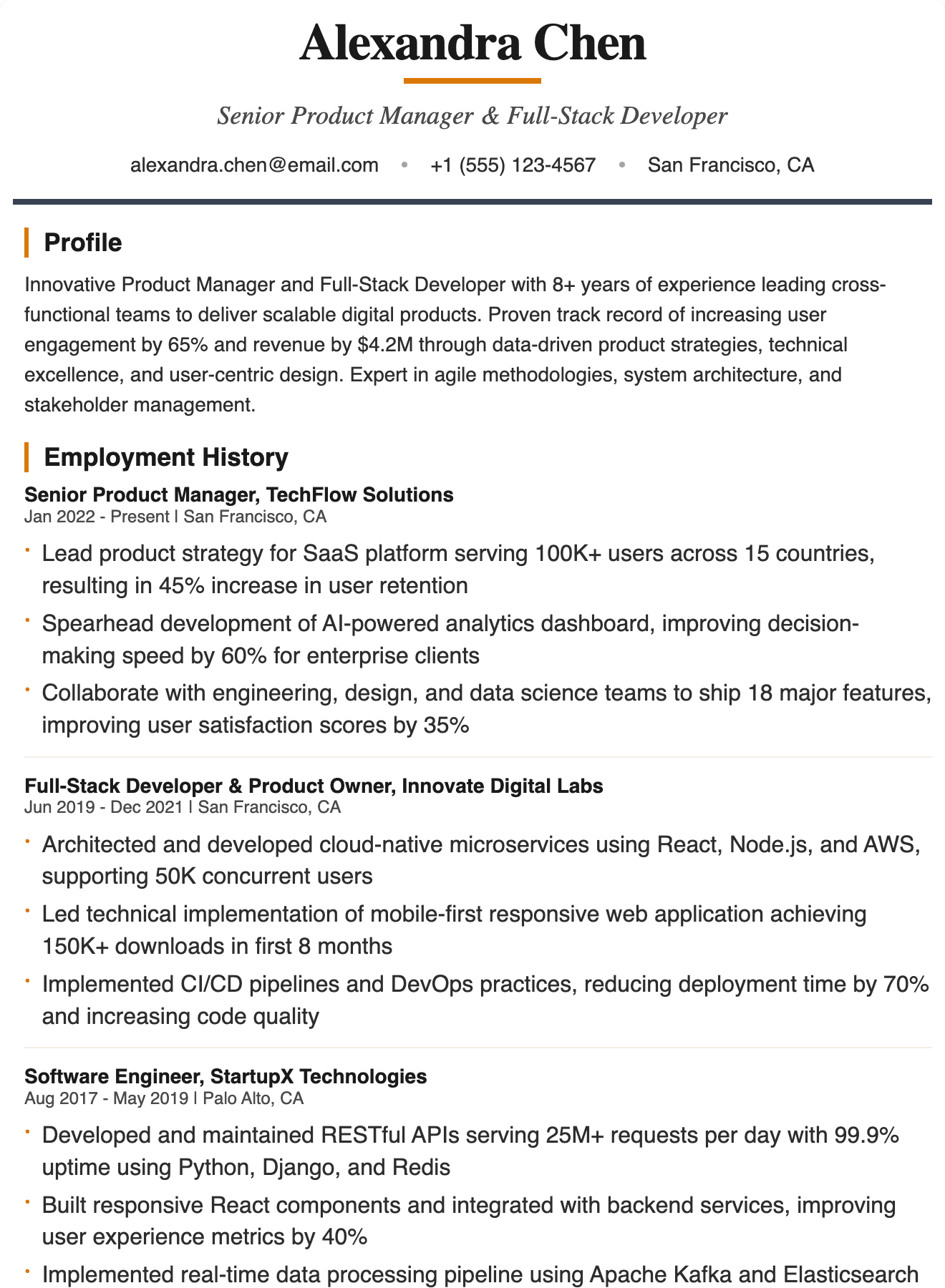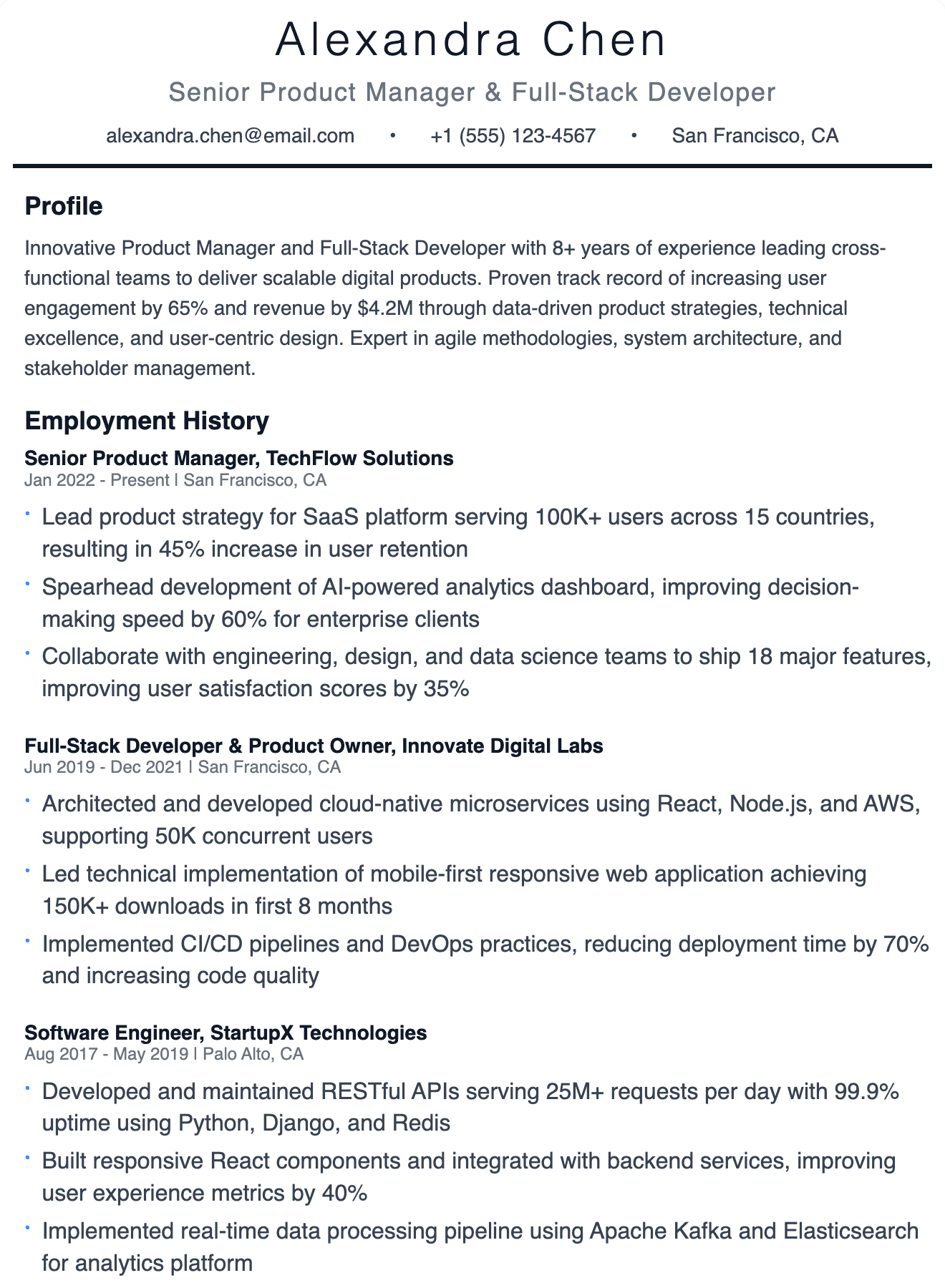

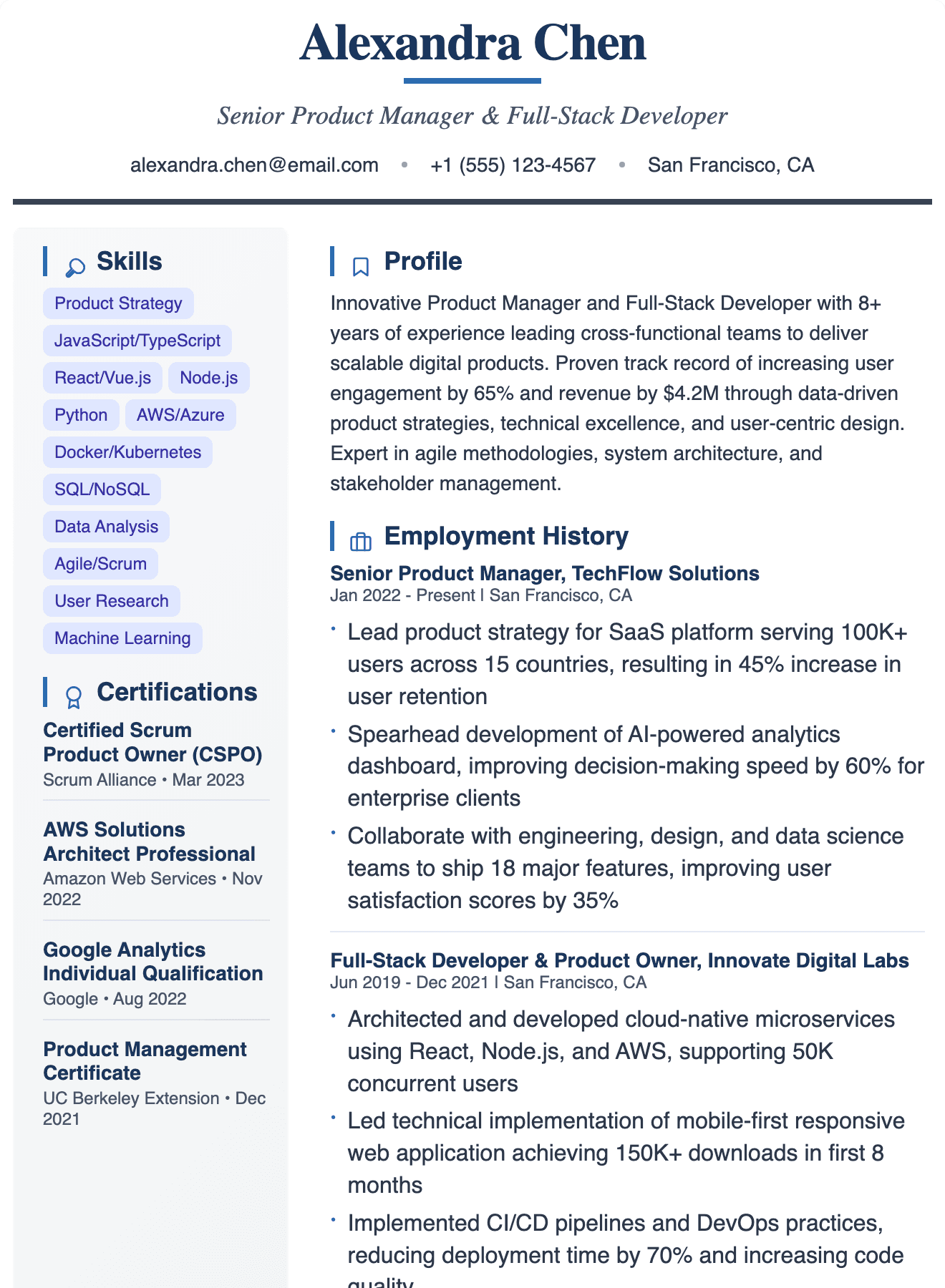
Executive Professional résumé template
A two-column layout, set in Helvetica Neue. ATS fit: moderate. Fill it in with the guided editor, preview it free, and download a print-ready PDF when you're ready.
Executive Professional at a glance
- Layout
- Two columns (sidebar left)
- Photo
- No photo
- Typeface
- Helvetica Neue
- Icons
- Small section/contact icons
- Main column
- Summary · Achievements · Experience · Education · Custom sections · Languages
- Sidebar
- Skills · Certifications
- ATS fit
- Moderate
Is Executive Professional ATS-friendly?
Moderate fit. Two columns put skills, certifications in a sidebar. Most modern parsers handle this, but older ones can read sidebars out of order. Use it for referrals, emailed applications and design-aware employers; for strict online portals pick a single-column template.
Who it suits
- Referrals, emailed and in-person applications where a stronger visual helps
- Any experience level — content-first and easy to scan
Filling in the Executive Professional template
- 1Keep the sidebar short — skills, certifications as tight lists — and put your strongest evidence in the main column.
- 2No photo slot: nothing to remove for portals or international applications.
- 3Match the skill names to the job description's wording, then check the result with the free ATS score checker.
Questions about Executive Professional
Is the Executive Professional template ATS-friendly?
Moderate fit. Two columns put skills, certifications in a sidebar. Most modern parsers handle this, but older ones can read sidebars out of order. Use it for referrals, emailed applications and design-aware employers; for strict online portals pick a single-column template.
Can I add a photo to the Executive Professional template?
This design has no photo slot. If you need a photo (common for some Indian employers), pick a template with one from the templates page.
Is the Executive Professional template free?
It's free to fill in and preview. Downloading the PDF needs a paid plan — the Download Pack or Pro, both one-time payments with no auto-renewal.
Will my résumé fit on one page?
That depends on your content. The live preview shows page breaks as you type; freshers should aim for one page, experienced profiles for two at most.
Can I switch to a different template later?
Yes. Your content is stored separately from the design, so you can switch templates at any time without retyping.
Similar templates
More Standard designs